Kore WordPress Tools
A modular admin toolkit: one app library, focused plugins, and a consistent place to work.
01 / THE APP LIBRARY
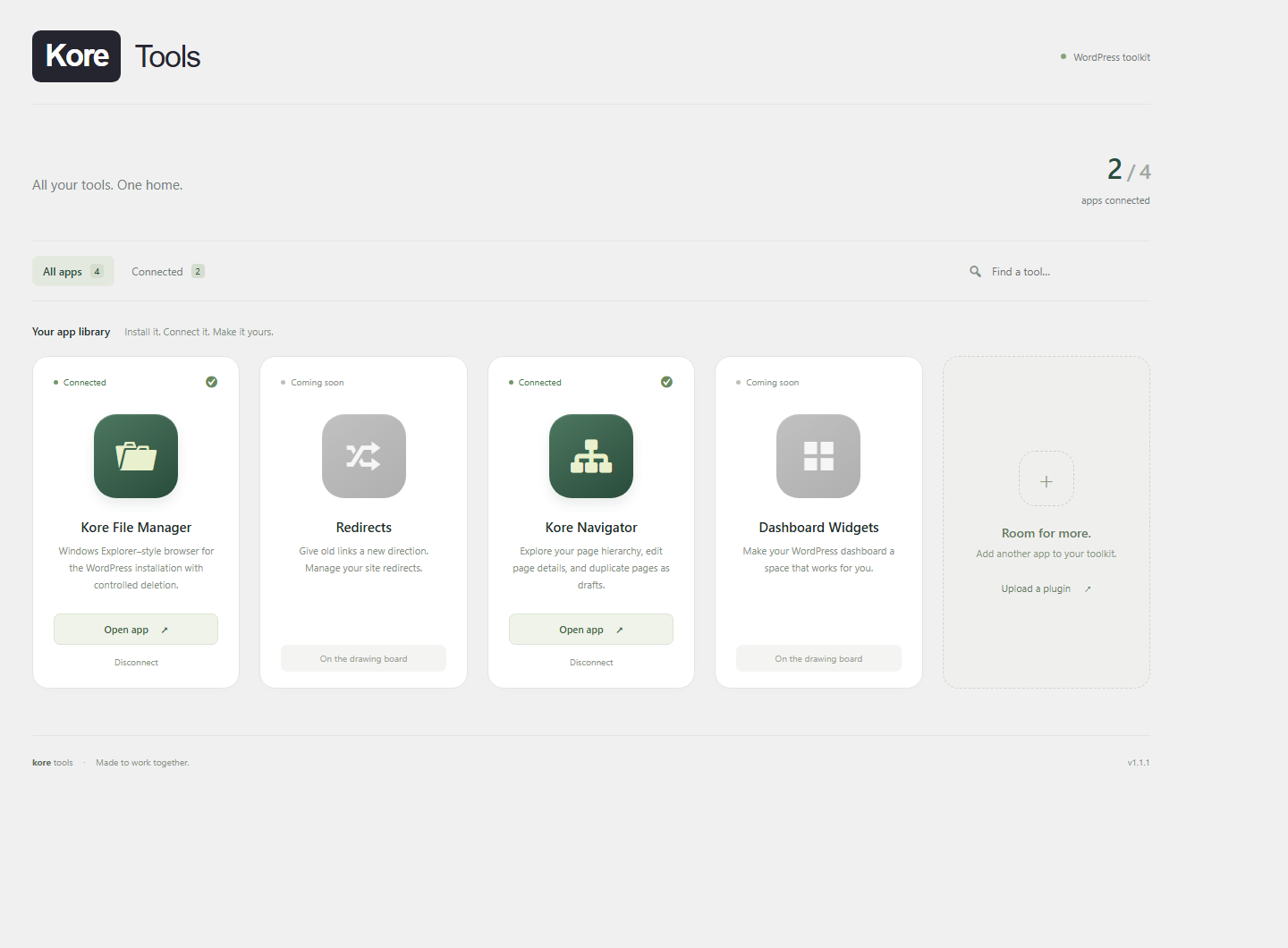
Kore Tools
A phone-style grid makes app availability visible: gray before installation or connection, color when ready to open. Connected apps move into the Kore Tools submenu.
- Bundled plugin installation, activation, and connection
- Search and connected-app filters
- Plugin identity checks to avoid matching an unrelated plugin
- Registration headers for future apps
02 / FILE EXPLORER
Kore File Manager
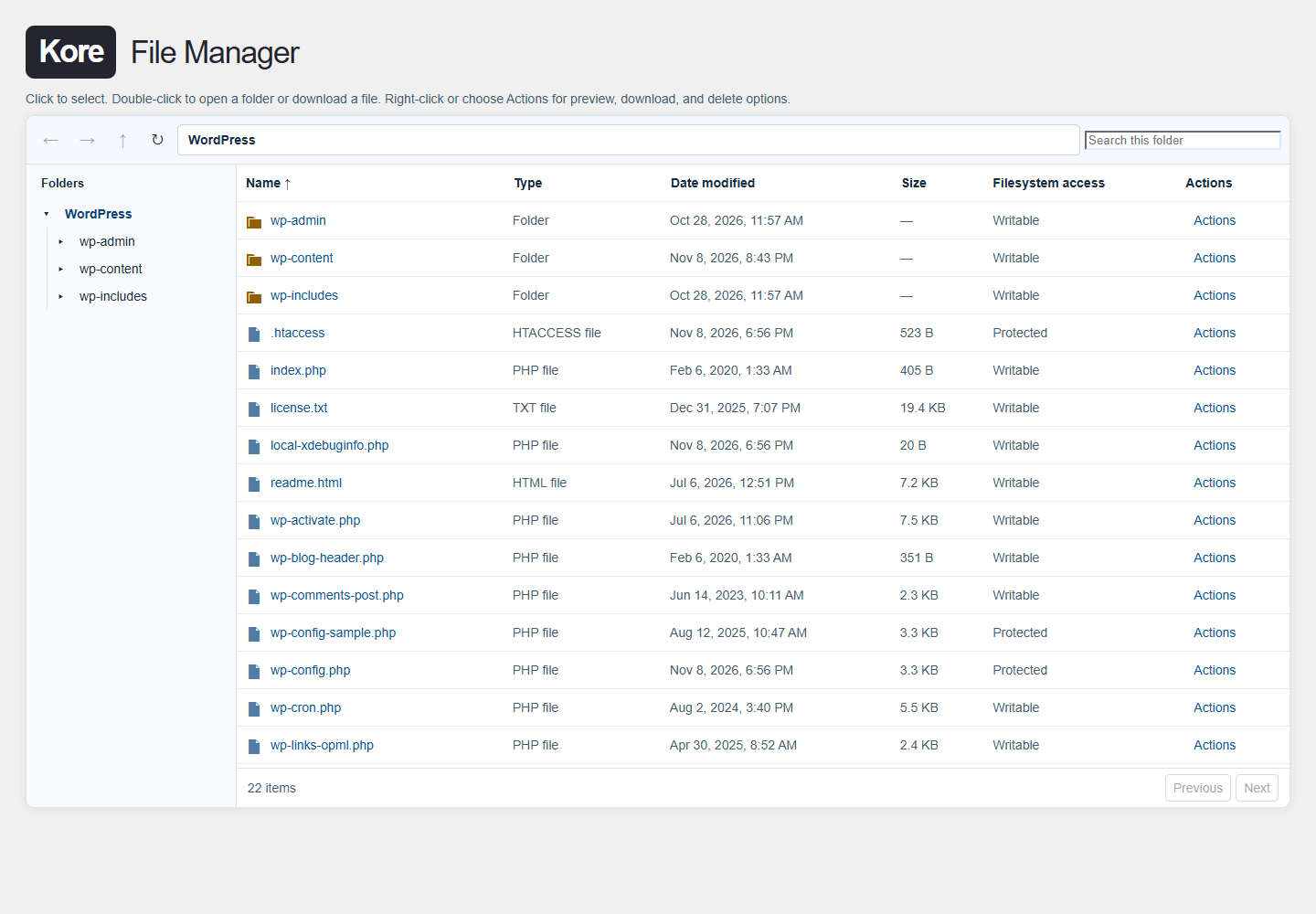
A file explorer for the WordPress installation, with a folder tree, sortable file list, search, text previews, and downloads.
- File and folder navigation with selection and context actions
- Controlled deletion with revision checks
- Administrator and super-admin access checks
- Independent plugin operation or a connected suite submenu
03 / CONTENT STRUCTURE
Kore Navigator
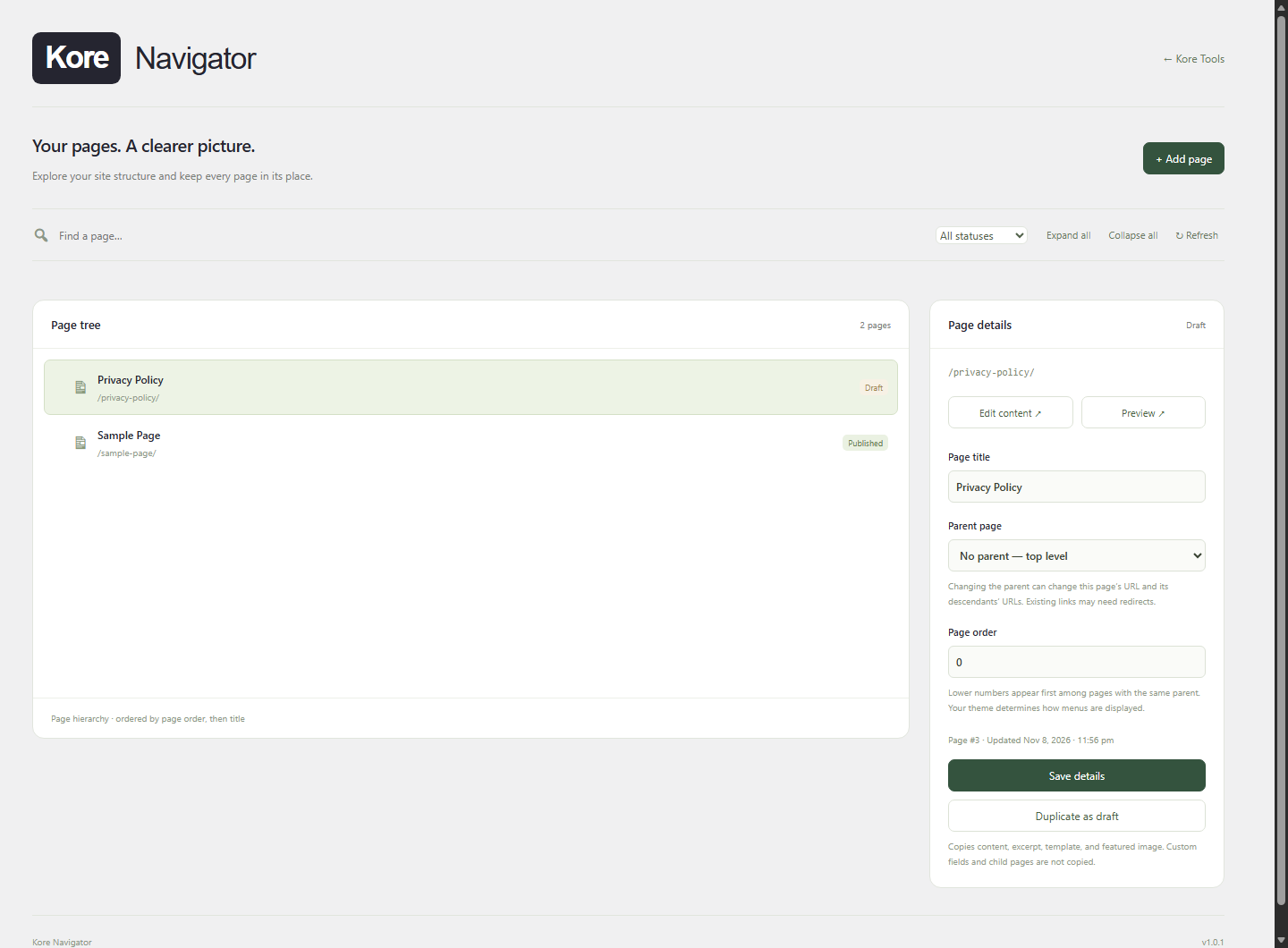
An expandable page tree brings hierarchy and page details into one screen. Editors can find a page, open its content, adjust its parent and order, or create a draft copy.
- Title and path search with status filters
- Quick title, parent, and page-order edits
- Draft duplication with content, template, and featured image
- Checks for hierarchy loops, stale changes, permissions, and edit locks
Validated in the sandbox.
Local checks covered installation and connection, submenu asset loading, authenticated page requests, page edits, draft duplication, and rejection of invalid nonces and hierarchy loops. Redirects and Dashboard Widgets are planned concepts, not completed apps.
Need a focused WordPress tool?
Let’s define the workflow and build an admin experience around it.
Discuss a plugin project